
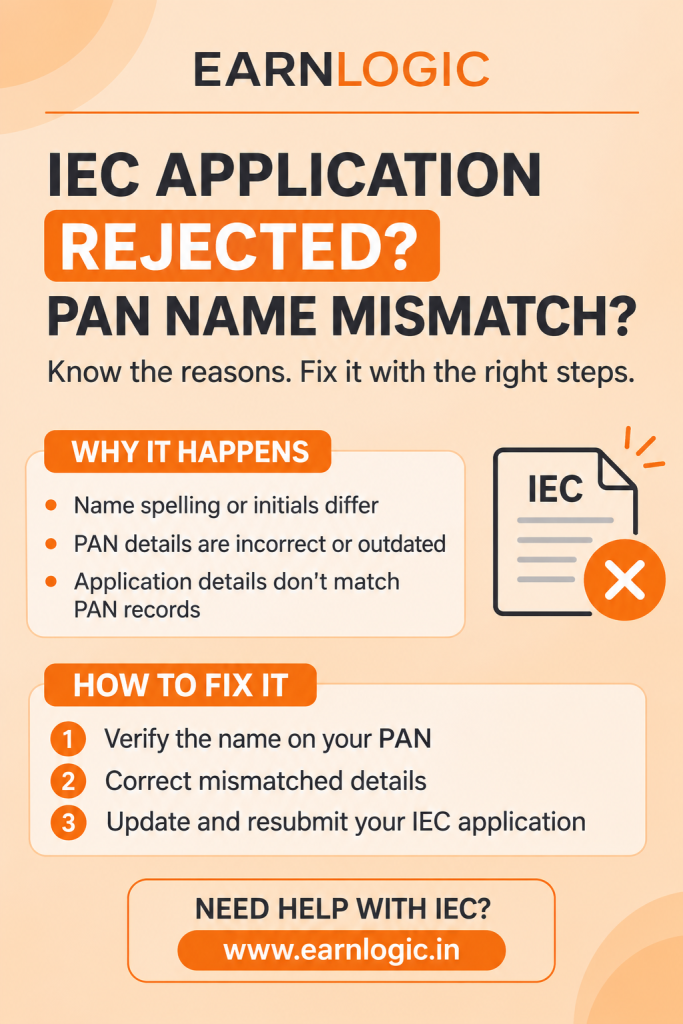
IEC Application Rejected Due to PAN Name Mismatch? Reasons and How to Fix It
Applying for an Importer Exporter Code (IEC) is an important step for businesses and individuals planning to enter international trade. However, even a small difference in personal or business details can lead to an IEC application rejection. One of the most common reasons for rejection is a mismatch between the applicant’s name in the PAN database and the details entered in the DGFT application.
If your IEC application has been rejected due to a PAN name mismatch, there is no need to panic. The issue can generally be resolved by identifying the incorrect information, correcting the relevant records, and submitting the application again.
In this article, we explain the common reasons for IEC rejection, how to correct PAN and Aadhaar details, and the steps to successfully reapply or modify an existing IEC.
What Is an IEC and Why Is PAN Matching Important?
An Importer Exporter Code (IEC) is a 10-digit identification number issued by the Directorate General of Foreign Trade (DGFT). It is mandatory for most businesses and individuals involved in importing or exporting goods and services, subject to applicable exemptions.
For current IECs, the PAN of the applicant serves as the IEC number. Therefore, DGFT uses PAN-based information to verify the applicant’s identity and business details.
The name, date of birth or incorporation, and other relevant information provided in the application must match the official records. Any discrepancy may result in an application query, delay, or rejection.
Common Reasons Why DGFT Rejects IEC Applications
DGFT may reject an IEC application when the submitted details or supporting documents do not satisfy its verification requirements.
Some common reasons include:
- PAN name mismatch: The applicant’s name differs from the name registered in the PAN database.
- Incorrect date of birth: The date of birth or date of incorporation does not match official records.
- Existing IEC registration: The PAN is already associated with an IEC.
- Bank account mismatch: The account holder’s name or bank details are incorrect.
- Address discrepancies: The submitted address proof is outdated, incomplete, or inconsistent.
- Authentication failure: DSC or Aadhaar e-sign authentication fails.
- Incomplete documents: Required documents are missing, unclear, or unsigned.
- Incorrect business information: The entity type, director, partner, or authorised signatory details are inaccurate.
- PAN-Aadhaar issues: PAN-related authentication or operative status requirements are not satisfied.
For proprietorships, differences between PAN, Aadhaar, and bank account names are common reasons for rejection. For companies and LLPs, discrepancies in the registered entity name or authorised signatory information may cause problems.
What Does PAN Name Mismatch Mean?
A PAN name mismatch occurs when the name entered in the IEC application is different from the name available in the Income Tax Department’s PAN database.
For example, the PAN record may show “Ramesh Kumar,” while the IEC registration in Coimbatore application contains “R. Kumar.” Even though both names may refer to the same individual, the difference can create verification problems.
Similarly, spelling mistakes, missing initials, surname differences, and inconsistent abbreviations can result in application rejection.
The best approach is to verify the PAN and Aadhaar records before submitting the IEC application.
How to Check PAN Details Before Applying for IEC
Before applying for a new IEC or correcting a rejected application, verify the following information:
- Applicant’s full legal name.
- PAN number and registered details.
- Date of birth or date of incorporation.
- Registered business address.
- Type of business entity.
- Details of directors, partners, or authorised signatories.
- Bank account number and account holder’s name.
- Aadhaar authentication details, wherever applicable.
For companies, LLPs, and partnership firms, the relevant entity PAN and legal name must be provided.
Checking these details beforehand can reduce errors and avoid unnecessary application delays.
How to Correct PAN or Aadhaar Name Mismatch
If you identify an error in your PAN or Aadhaar records, correct the source document before submitting the IEC application again.
- Correct the PAN Details
If the PAN database contains an incorrect name, you can apply for a PAN correction through Protean (formerly NSDL) or UTIITSL.
Depending on the correction, supporting documents may include:
- Existing PAN card.
- Aadhaar or other identity proof.
- Proof supporting the requested name change.
- Marriage certificate or gazette notification, wherever applicable.
- Relevant address proof.
- Update Aadhaar Information
If your PAN details are correct but your Aadhaar contains an incorrect name, request a correction through UIDAI.
You may need to provide valid identity documents supporting the corrected name. Check the applicable document requirements and permitted name-update limits before submitting your request.
- Verify the Updated Information Avoid submitting the IEC application while the correction request is still pending.
Step 1: Check the Rejection Reason
Log in to the DGFT portal and review your IEC application status. Identify the exact reason mentioned in the rejection or deficiency communication.
Step 2: Identify the Incorrect Details
Compare the application information with your PAN, Aadhaar, bank records, GST registration, and company incorporation documents, wherever applicable.
Step 3: Correct the Source Records
Update the incorrect PAN or Aadhaar information through the appropriate authority. Correct bank details or other supporting records if necessary.
Step 4: Revise the IEC Application
If DGFT has raised a query and the application is available for correction, make the required changes through the portal.
Step 5: Submit the Application Again
Upload clear supporting documents, complete the required authentication, and pay the applicable fee. Review all information carefully before final submission.
How to Modify an Existing IEC
If your IEC has already been issued and your business name, address, bank details, or other particulars have changed, you generally need to apply for an IEC registration in Bangalore modification rather than obtain a fresh IEC.
The process involves:
- Logging in to the DGFT website.
- Opening the IEC section under your dashboard.
- Selecting the View and Manage IEC option.
- Choosing Modify IEC.
- Updating the relevant information.
- Uploading supporting documents.
- Paying the applicable modification fee.
- Completing digital authentication and submitting the application.
Certain modifications, particularly those involving PAN changes, may require approval from the jurisdictional Regional Authority.
Documents Required for IEC Correction or Modification
Keep the following documents ready, depending on the nature of the correction:
- PAN card or PAN acknowledgement.
- Aadhaar card of the proprietor or authorised person.
- Proof supporting the name correction.
- Cancelled cheque or bank certificate.
- Business address proof.
- Partnership deed or LLP agreement, where applicable.
- Certificate of incorporation for companies.
- Board resolution or authorisation letter, if required.
- DSC or Aadhaar e-sign authentication.
- Relevant IEC amendment application and fee details.
Ensure that all uploaded documents are clear, valid, and consistent with the information provided in the application.
Common Mistakes to Avoid During IEC Registration
A few simple mistakes can lead to unnecessary rejection:
- Using initials in one document and expanded names in another.
- Entering abbreviations instead of the exact legal entity name.
- Uploading blurred or incomplete documents.
- Selecting the wrong business entity type.
- Providing incorrect bank account information.
- Ignoring DGFT notifications and annual IEC update requirements.
IEC holders should also review and confirm their IEC details during the prescribed annual update period, generally between 1 April and 30 June, even when no changes have occurred.
Conclusion
An IEC registration application rejection due to PAN name mismatch is usually a correctable issue. The key is to identify the source of the discrepancy, update the relevant PAN or Aadhaar information, and ensure that all supporting documents match before resubmitting the application.
Businesses should carefully verify their identity, bank, and registration details to avoid repeated rejections and delays in international trade activities.